Placed by key position
Type Q and it comes from the left, P from the right, the way a real board sounds.
Recorded real switches, not synthesized
Recorded real switches, not synthesized.
30+ mechanicalMechanical keyboard sounds for Mac.
3 days · no card needed
Self lubricating POM housing with a deep, full bodied sound
Kiiwi is a keyboard sound app that lives in the menu bar. No window to manage, no Dock icon, nothing running in the background you have to think about. One click gets you everything.
 09:41
09:41



Speak, and it's typed, nothing leaves your Mac.
⇧⌘K silences Kiiwi from anywhere, without opening the menu. On a call, in a library, recording something. One shortcut and it's gone.
All 36 packs live in a scrolling list grouped by feel. Rest the pointer on one and you hear it without switching, so you can compare five switches by ear in a few seconds.
The menu opens on today's key count and your streak. Click either for the full stats.
Kiiwi counts your keys while it plays them, and keeps the numbers on your Mac. Never which keys, never what you type.
Stored only on your Mac. Export as JSON or reset from Settings.
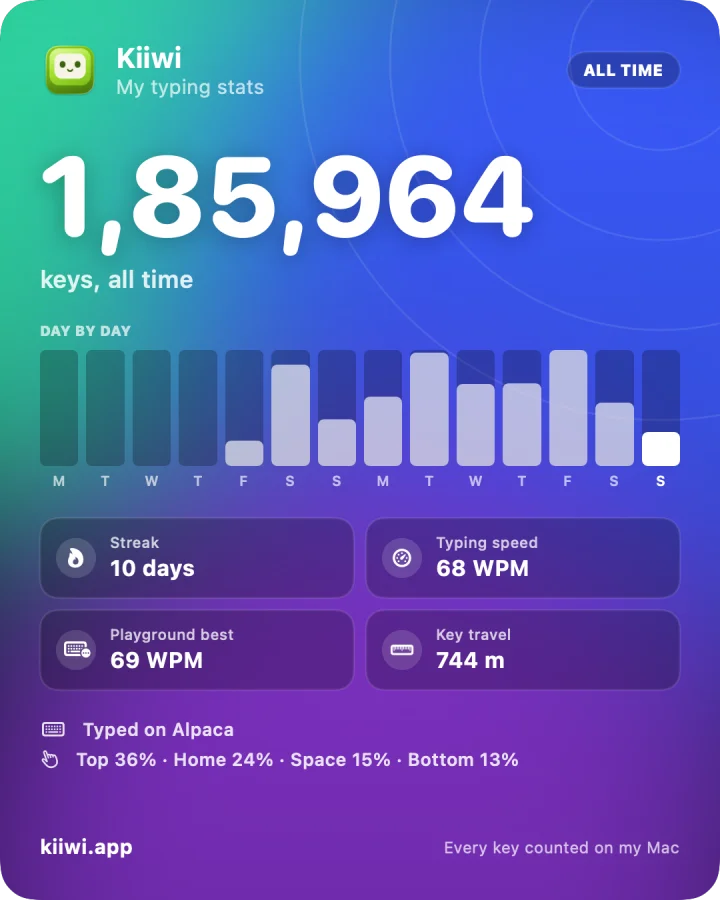
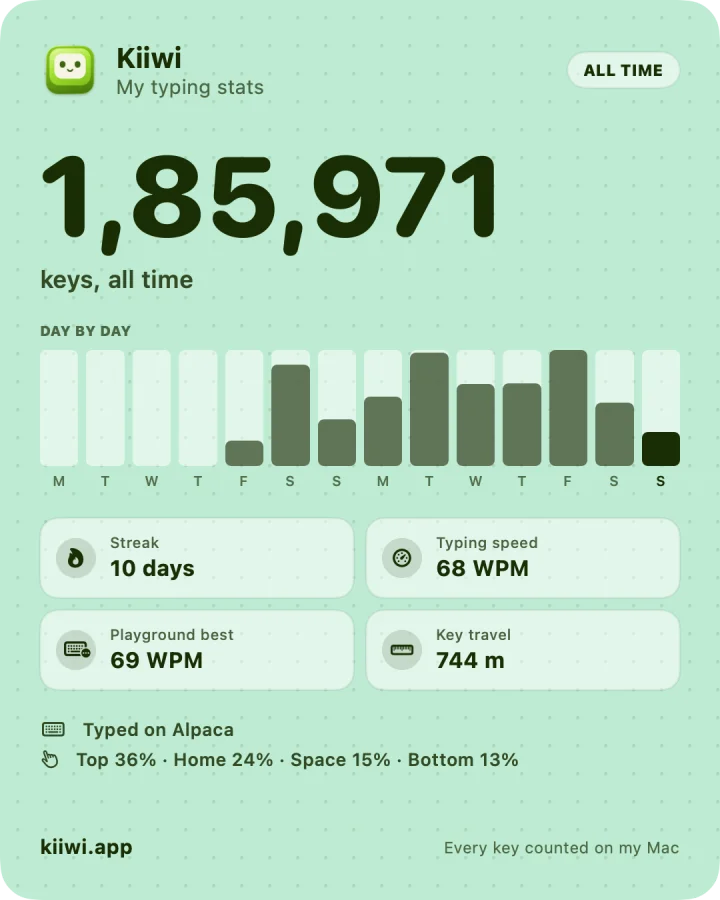
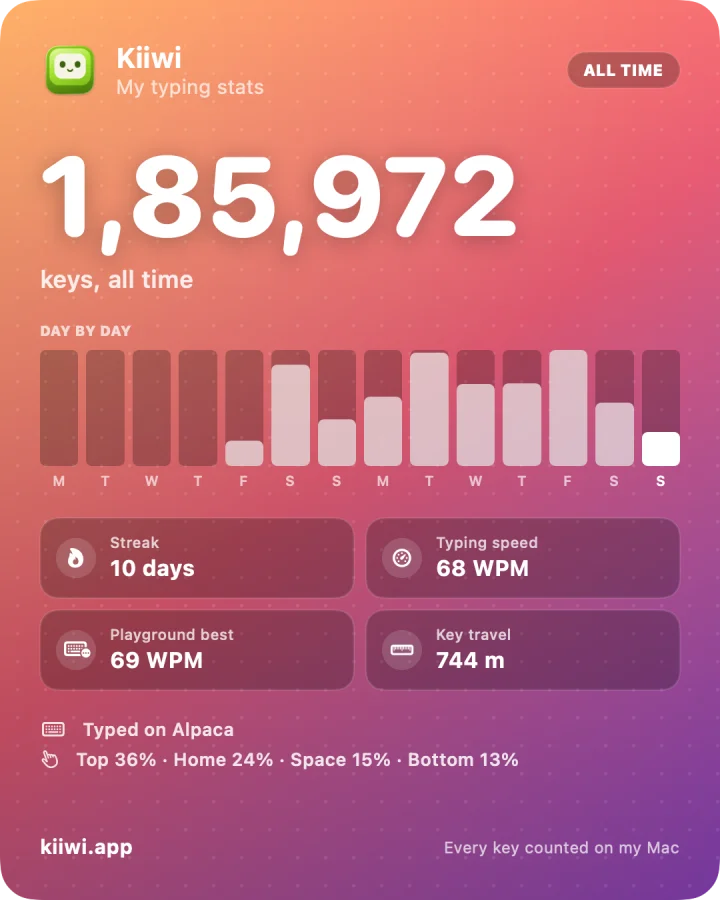
Real cards, rendered by the app from my own typing.
The same recordings the app ships, playing in your browser. Switch packs with the picker under the board, and type for fifteen seconds. Best on headphones: the spatial placement is subtle on speakers.
This page counts keystrokes, never keys. In the app, ⇧⌘K mutes it from anywhere.
Type to hear it
Like that sound? Kiiwi plays it in every app on your Mac.
Get Kiiwi for $4.99 Pay once. 14-day refund, no reason needed.Pick a switch. The sound and the board change together.
Most of this exists because the obvious shortcut sounded wrong.
Type Q and it comes from the left, P from the right, the way a real board sounds.
Five pitch variants of every sample, picked fresh on each keystroke.
The number, top, home and bottom rows are separate recordings, like a real board.
Switch output mid-sentence and Kiiwi carries on. No relaunch.
A key picks a sound and is gone in the same instant. Your stats count how many keys, never which ones, and stay on your Mac.
All it ever sends is a licence check and a daily look for updates.
Kiiwi started as a fix for a sound that felt wrong. Here is what that took.
Most apps in this category are a folder of samples and a player. The first version of Kiiwi was too, and it sounded wrong in a way I could not stop noticing.
One pack had 60 milliseconds of near silence in front of every key. You don't hear that as silence, you hear it as lag. Every sample is now trimmed to 2 ms before the switch actually bottoms out, so the sound lands with your finger.
430 checks run before any build ships. Every switch resolves a sample for every key, every pack decodes, and the audio graph survives you unplugging your headphones. That is the part nobody notices, which is the whole point of doing it.
A 5.3 MB universal app, signed and notarized by Apple, straight from this site. No App Store, no installer.
ApplicationsmacOS asks once. Kiiwi only listens: it never records what you type, and it goes silent in password fields. Turn it on and Kiiwi notices in about a second and a half, no restart.
Accessibility
KiiwiQuillAnywhere: your editor, your browser, Slack, Terminal, Spotlight. Nothing to set up, and ⇧⌘K gives you the room back.
now it thocks.
Every dot is a city where someone typed on this site, coloured by the switch they picked, and every country glows by how much it has typed. New thocks ripple in as they land. Cities only, nothing more precise.
Type in the playground above to put your city on the map.
Buy it once and it is yours, updates included. If it doesn't fit how you work, email within 14 days and we'll refund it.
Kiiwi for macOSPrices in USD, excluding tax, and may vary by location.
Already bought? Download Kiiwi
The things people actually ask, answered without marketing. If yours isn't here, the answer is probably in the source.
Install a keyboard sound app that plays a mechanical keyboard sound for every key you press. Kiiwi is one: choose from 30+ real switch recordings, and it sounds in every app, on a MacBook's built-in keyboard or any external one, on macOS 14 or later. Hear every switch in the playground before you download, or read the guide to typing sounds for Mac. Weighing it against the others? See the best keyboard sound apps for Mac.
Yes. Kiiwi listens at the system level, so it sounds the same in your editor, your browser, Slack, Terminal and Spotlight. It never intercepts or alters your keystrokes. It only listens for them, so nothing you type is changed, delayed or swallowed.
macOS requires it to observe key events system-wide. It's the same permission text-expanders and shortcut apps use. Kiiwi asks once, and the app detects the grant within about a second and a half, with no restart. If you'd rather not grant it, Kiiwi still runs but can only sound for keys typed in its own window.
No. A key event is read only to decide which sample to play, then it's discarded. For your stats, Kiiwi adds one to a few counters: today, this hour, the keyboard row, the switch, and the app you're typing in. It never notes which key it was, and the counts stay in a file on your Mac. Kiiwi sends two things: your licence key, to check the licence is still valid (when you activate, on launch and once a day; offline it keeps working for 14 days), and a daily request for the update list. What you type never leaves your Mac because it is never held long enough to.
Yes. Settings → Stats shows everything Kiiwi has counted. Export saves every day's counts as a JSON file, and Reset sets them back to zero (it keeps one copy beside the file, so a reset can be undone). Nothing about your stats ever leaves your Mac unless you post a share card yourself.
No. Idle CPU is 0%, because nothing runs between keystrokes. A keypress costs one buffer schedule against already-decoded audio. Memory sits around 58 MB because only the switch you're using is loaded.
$4.99 once. Pick a switch and hear the difference on the first keystroke.
Get Kiiwi for $4.99